How to Create a Professional Website for Your Small Business
A professional small business website is built around clear goals, the right pages, and content that builds trust, not just good looks.
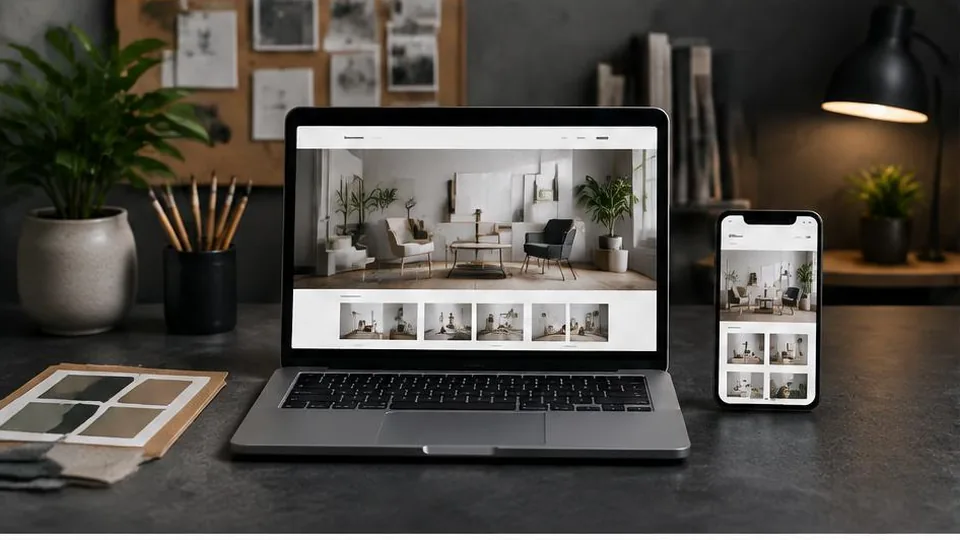
Creating a professional small business website starts with defining what you want it to achieve, then building the structure, content, and design around that goal — not the other way around. A website built without a clear purpose tends to look fine but generate few actual leads or sales.
Here is a practical approach to building a small business website that looks professional and actually works for your business.
Start With a Clear Goal
Before thinking about colours or layout, decide what you want visitors to do:
- Call or message you for a quote
- Book an appointment directly
- Browse your services and visit in person
- Buy a product online
This goal should shape every other decision, from your homepage layout to your calls to action.
Choose the Right Pages
Most small business sites need a focused set of pages rather than dozens of thin ones. A typical structure includes:
- Homepage introducing who you are and what you offer
- Services or products page with clear descriptions
- About page building trust and credibility
- Contact page with multiple ways to reach you
- Optional: testimonials, gallery, or location pages depending on your industry
Our detailed guide on business website pages walks through this structure for different business types.
Prioritise Mobile Experience
Most small business website visitors arrive on a phone, often after a local search. If your site is slow, hard to tap through, or requires zooming to read text, you lose visitors before they even see your offer. See our guide on building a mobile-friendly website for specifics.
Write Content That Builds Trust
Professional does not mean corporate or stiff — it means clear, accurate, and specific. Avoid vague claims and instead describe:
- Exactly what you offer and who it is for
- What makes your approach different
- Practical details like service areas, hours, and response times
Generic placeholder text is one of the most common website design mistakes small businesses make, and it is worth avoiding from the start.
Make Contact Effortless
Every page should make it obvious how to get in touch — whether that is a phone number, a contact form, or a booking link. If visitors have to hunt for this, many will simply leave.
Plan for Search Visibility
A professional-looking site does little good if no one finds it. Basic groundwork includes a Google Business Profile, clear page titles, and content that actually answers questions your customers search for. Our SEO for small business guide covers this in more depth.
A Simple Pre-Launch Checklist
Before going live, confirm:
- All contact details, hours, and service information are accurate
- The site works cleanly on a phone, not just a desktop screen
- Every page has a clear next step for the visitor, such as a call, form, or booking link
- Spelling, pricing mentions, and claims have been checked for accuracy
- Forms have been tested to confirm submissions actually reach you
Common Mistakes to Avoid
- Launching with placeholder text or stock images that do not reflect your actual business
- Burying your phone number or contact form several clicks deep
- Adding too many pages too early, before you have real content for each one
- Ignoring how the site looks and loads on mobile devices
Questions to Ask Yourself Before Building
- What is the one action I most want a visitor to take on this site?
- Do I have real photos, or do I need to arrange a photoshoot?
- Is my business name, logo, and messaging consistent across the site and my other channels?
- Who will keep the content updated once the site is live?
Decide How You Will Build It
You generally have three paths:
- A DIY website builder, suited to simple needs and tight budgets
- A freelance designer or developer for a more tailored result
- A full-service studio offering web design, branding, and setup together
Each has tradeoffs in cost, flexibility, and time required from you. If you already have a site that is underperforming, a website redesign may be more appropriate than starting over.
A Few Example Decisions to Make Early
- Will your homepage lead with a phone number, a booking button, or a contact form, based on how customers actually prefer to reach you?
- Do you need a gallery or portfolio section, or does your business rely more on written trust signals like certifications and reviews?
- Will you write your own content, or do you need help turning rough notes into clear website copy?
- Is your current branding strong enough to build around, or would a refreshed logo design help the final result feel more polished?
Answering these before design begins keeps the project focused and avoids second-guessing decisions partway through.
Thinking Beyond Launch Day
A website that performs well six months after launch usually has an owner who treats it as an ongoing asset, not a one-time project. Set a simple reminder to review your site every few months: check that information is current, look at which pages visitors actually use, and update anything that no longer reflects your business accurately.
Keep It Maintained
A professional website is not a one-time project. Keep information accurate, refresh content periodically, and monitor how visitors are actually using the site. Services like digital marketing can help drive the right traffic once the foundation is solid.
A Final Review Before Launch
Walk through your site as if you were a first-time visitor on a phone. Can you find your phone number within a few seconds? Does the homepage clearly say what you offer and to whom? If the answer to either is no, it is worth revising before you announce the site publicly.
Getting Started
If you are ready to build or improve your small business website, get in touch for a consultation, or look at our work for examples across different industries.
Frequently asked questions
What is the minimum a small business website needs?
At minimum, a clear homepage, an about or services page, and a way to contact you. From there, additional pages depend on your business type.
Do I need a blog for my small business website?
Not immediately, but a blog can help with search visibility over time and gives you a place to answer common customer questions.
How often should I update my website?
Review it regularly for accuracy — hours, services, pricing mentions, photos — and refresh content whenever your offerings change.
Should I build it myself or hire someone?
It depends on your time, budget, and how much the website matters to your revenue. Our guide on custom website vs website builder can help you decide.
Related articles

Small Business Website Cost: What Affects the Price?
Small business website cost depends on your industry, features, and growth plans more than on generic market averages.
October 10, 2026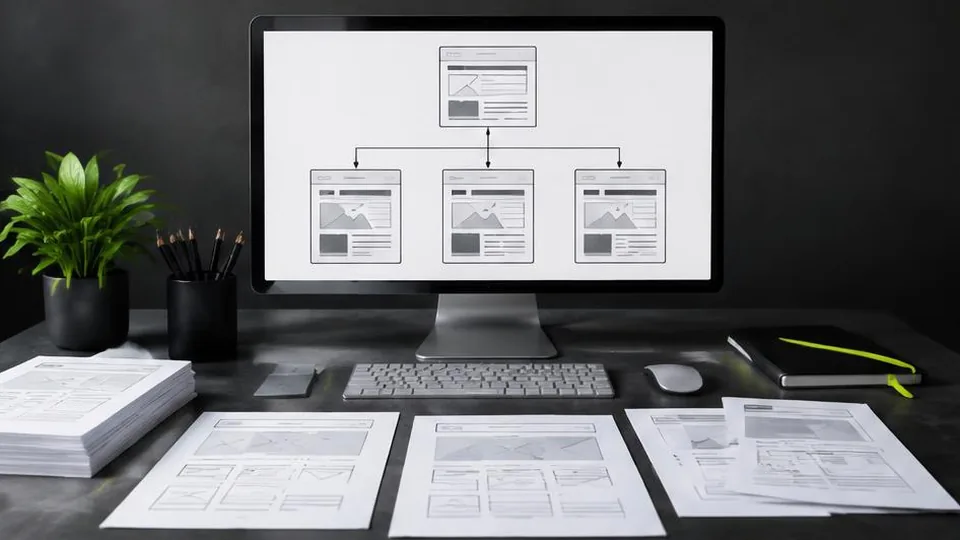
What Pages Should Every Business Website Have?
Every business website needs a core set of pages to build trust and guide visitors to act. Here's the checklist and why each page earns its place.
October 10, 2026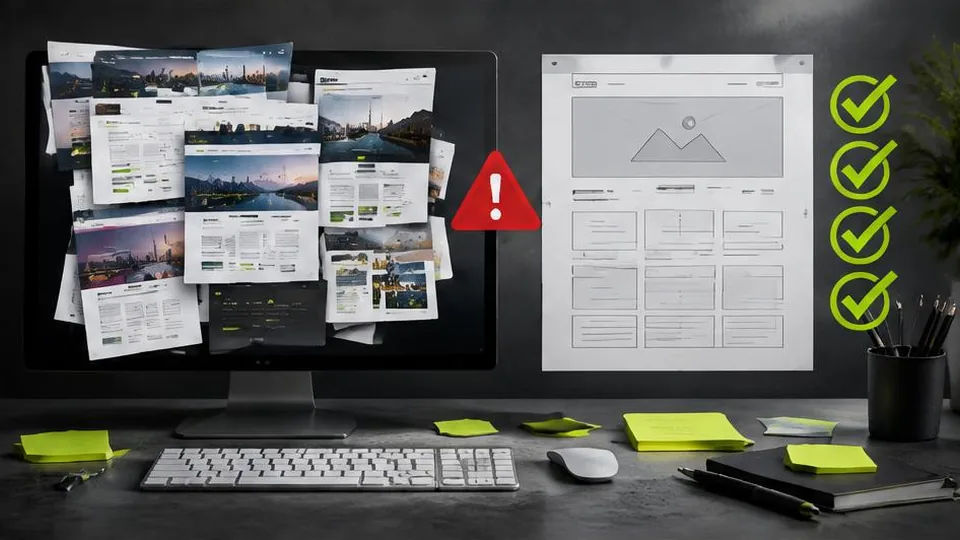
10 Website Design Mistakes That Lose Customers
Small design mistakes can quietly cost a business real customers. Here are ten of the most common issues and how to fix each one.
October 10, 2026