Photography Portfolio Website: How to Showcase Your Work
A photography portfolio website lives or dies on image quality and load speed. Here is how to show your best work without slowing everything down.
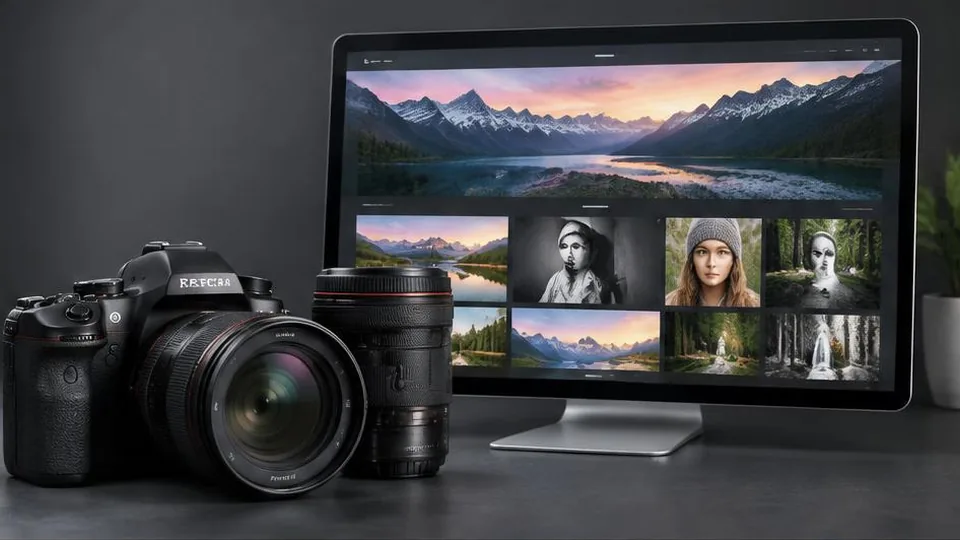
A photography portfolio website has a simpler job than most business sites, but a less forgiving one: the images have to look stunning, and the site has to get out of their way. If a portfolio loads slowly or presents work in a cluttered layout, it undermines the very skill it is trying to showcase.
Curate, do not catalog
The biggest mistake photographers make is trying to show everything. A portfolio is not an archive — it is a curated argument for why someone should hire you. Choose a tight selection of your strongest, most consistent work rather than every decent shot you have taken. A visitor forms an impression within seconds, and a smaller set of excellent images beats a large set of merely good ones.
If you shoot across different styles — weddings, portraits, product, commercial — organize separate galleries rather than mixing everything together. A bride searching for wedding photography wants to see weddings, not an unrelated mix of styles.
Let the images lead, keep the design quiet
The website's design should support the photography without competing with it. That generally means:
- Generous white space around images rather than cramped grids
- Minimal, restrained typography
- A simple, consistent navigation structure
- Limited use of bright colors or busy backgrounds behind galleries
The goal is for a visitor to remember the photos, not the website chrome around them.
Speed is a real design constraint
Photography sites are naturally image-heavy, which makes them prone to slow loading if not built carefully. A slow gallery actively damages the first impression you are trying to create. Key techniques include:
- Compressing and correctly sizing images for web use without visibly reducing quality
- Using modern, efficient image formats
- Lazy loading images so the page only loads what is currently visible
- Avoiding autoplay video backgrounds or oversized hero media that slow the initial load
This is one area where working with someone experienced in web design pays off, since balancing visual quality against load speed takes real technical attention, not just picking a template.
Make booking easy, not an afterthought
A beautiful gallery that ends without a clear next step wastes the interest it just built. Every portfolio should have an obvious path to inquire or book: a simple contact form, a visible email or phone number, and ideally a short page explaining your process, availability, and what working with you looks like.
If you offer different services or packages (weddings, events, commercial shoots), a dedicated page for each helps visitors self-select into the right conversation, similar to how business website pages should generally be structured around visitor intent rather than internal categories.
About page and personal connection
Photography, especially for weddings and portraits, is a deeply personal hiring decision. An about page with your real story, approach, and personality helps potential clients feel a connection before ever meeting you. This matters as much as the gallery itself for certain types of photography work.
Selling prints or digital downloads
If part of your business involves selling prints, albums, or digital downloads directly, you will need proper e-commerce functionality rather than a simple gallery. This can range from a lightweight storefront built into your main site to a dedicated gallery and sales platform, depending on your volume. Either way, think through this early, since retrofitting checkout and licensing into a portfolio-first site later can be more work than planning for it from the start.
SEO for photographers
Photography searches are often local and style-specific: "wedding photographer [city]," "newborn photography near me." Clear page titles, descriptive alt text on key images, and location-specific content all help your portfolio show up for these searches without compromising the visual-first design.
Common mistakes to avoid
- Overloading the portfolio with too many images instead of a curated selection
- Slow load times caused by unoptimized, oversized images
- No clear way to contact or book after viewing the work
- Mixing unrelated styles in a single gallery
- A design style that distracts from the photography itself
Questions to ask before building your portfolio
- Which dozen or so images genuinely represent the work I want to be hired for again?
- Do I need separate galleries for different styles, or does one cohesive body of work make more sense?
- How will I compress and prepare images so quality holds up without slowing the site down?
- Do I want pricing visible, or a consultation-first approach to inquiries?
A simple pre-launch checklist
- Galleries are organized by style or service, not mixed together
- Every image is properly compressed and sized for web without visible quality loss
- A clear way to inquire or book is visible on every gallery page, not just the homepage
- The about page tells a real, personal story rather than generic language
- The site has been tested on a slower mobile connection, not just office wifi
Example: choosing what to leave out
A wedding photographer with ten years of experience might have thousands of usable images, but a portfolio showing all of them dilutes the impact of the best ones. A more effective approach is choosing twenty to thirty images that represent the range of weddings you want to keep booking — different lighting conditions, moments, and styles — rather than trying to prove volume. Couples hiring a photographer are judging consistency and style more than total output.
Planning for growth
As your body of work grows, your portfolio will need a way to rotate in new images without a full redesign each time. Building this flexibility into the initial web design project, rather than treating the portfolio as a one-time static build, keeps the site current with much less ongoing effort.
Building a portfolio that converts
A great photography portfolio website is part gallery, part sales tool. It should show your best work with as little friction as possible, then make it effortless for an interested visitor to reach out. If your current site is slow or disorganized, a focused website redesign centered on image performance and a clearer booking path is often the single highest-impact change you can make.
Frequently asked questions
How many images should I include in my portfolio?
Fewer, stronger images almost always outperform a large gallery. Curate a focused selection that shows your range and your best, most consistent work, rather than every photo you have ever taken.
Should I organize my portfolio by category or show one mixed gallery?
If you shoot multiple types of work, such as weddings, portraits, and commercial, separate galleries help visitors who are looking for one specific style find relevant examples faster.
How do I keep a photo-heavy site from loading slowly?
Properly compressed and correctly sized images, modern image formats, and lazy loading (only loading images as the visitor scrolls to them) are the main tools for keeping a visual portfolio fast.
Do I need an online store for prints or digital downloads?
Only if selling directly is part of your business model. Many photographers use the portfolio primarily to book sessions, with print sales handled through a separate dedicated gallery or lab platform.
Should pricing be listed on my photography website?
This is a personal and business decision. Some photographers list starting prices to filter inquiries, while others prefer a consultation-first approach. Either can work, but the site should be clear about which one you're using.
Related articles

How Much Does an E-Commerce Website Cost in 2026?
E-commerce website cost depends on far more than which platform you pick. Here are the real factors that determine your final investment.
October 10, 2026
What Pages Should Every Business Website Have?
Every business website needs a core set of pages to build trust and guide visitors to act. Here's the checklist and why each page earns its place.
October 10, 2026
How to Improve Your Website's Conversion Rate
Traffic alone doesn't grow a business — conversions do. Here's a practical breakdown of how to improve your website's conversion rate.
October 10, 2026